Best Microsoft Outlook Alternatives [Free]

Updated On - September 28, 2026
Action: I started searching for an Outlook alternative when I experienced that Outlook gradually became more difficult to manage during daily work.
Observation: With a delay in mailbox synchronization, improper startup performance, and complexity in managing multiple accounts, like concerns I experienced while working with Outlook. This experience led me to search for different Microsoft Outlook alternatives, from lightweight personal email clients to collaboration-focused business platforms.
This easy write-up will help you with the best alternatives to Outlook. But keep this in mind that choosing the right Outlook replacement depends more on your workflow environment. So, choose it accordingly.
Why Do Users Look for Microsoft Outlook Alternatives?
Here are some common issues with reasons to switch. Let’s check them out.
| Common Issue | Reason to Switch |
|---|---|
|
Slow Startup Performance |
Faster email access |
|
Oversized Mailbox management issues |
Better optimization |
|
Challenging Interface |
Simpler Useability |
|
High Resource Usage |
Lightweight alternatives |
|
Licensing tools |
Free email clients |
Top 9 Free Microsoft Outlook Alternatives
There are numerous alternatives to Outlook in the market, but not all of them are up to the mark. Below we’ve compiled the 7 best free Outlook alternatives depending on the environment & usage style. Verify them as per your needs and select accordingly.
1. Mozilla Thunderbird
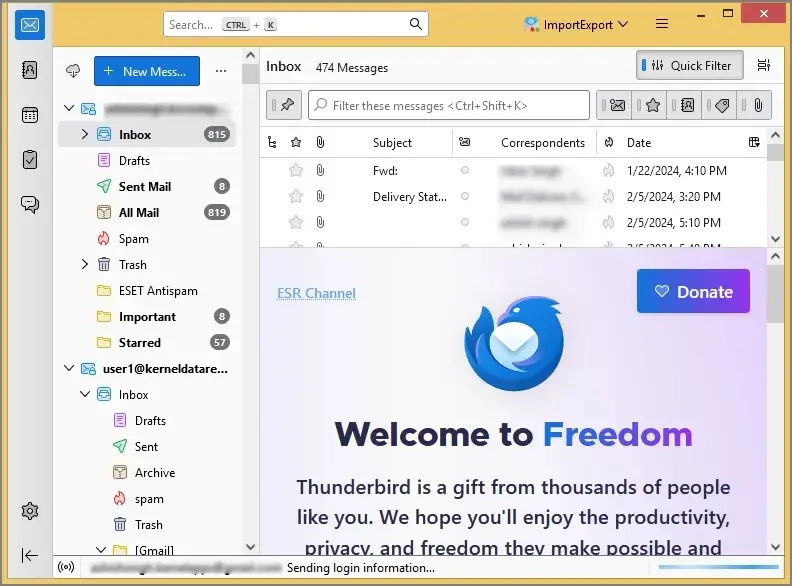
It is one of the most widely used open-source Outlook alternatives that store mailbox data in MBOX format. It is a cross-platform email client that operates smoothly on Linux, Windows, and Mac. The email client is best for personal email management & multi-account environments.
Advantages:
- Free to use.
- Extensive add-on support.
- Supports IMAP & POP accounts.
- Lightweight compared to Outlook.
- Advanced spam filtering using a Bayesian spam filter.
Limitations:
- The interface may feel traditional.
- Advanced collaboration features are limited.
2. eM Client
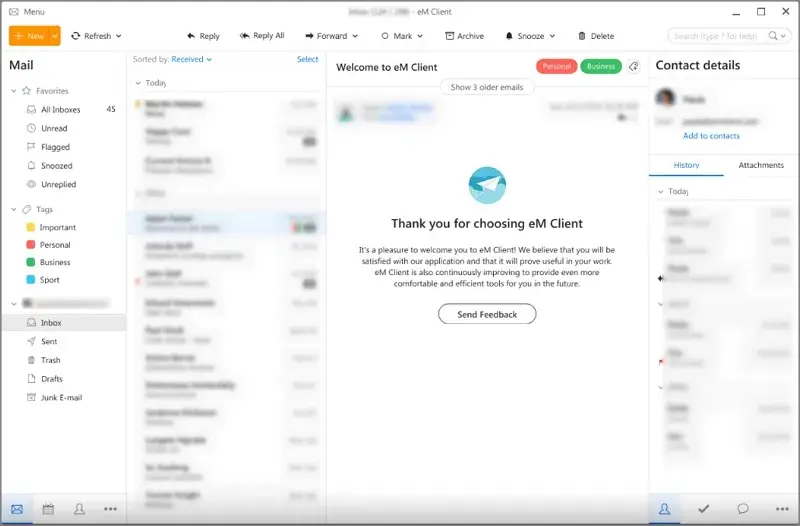
eM client is a desktop-based email client for Windows and macOS that offers services to manage emails, calendar events, notes, tasks, contacts, and XMPP-based communicators. It mainly focuses heavily on productivity & modern interface usability. The email client is best for business communication & an Outlook-like experience.
Advantages:
- Clean modern interface.
- Calendar & task migration.
- Supports Exchange & Office 365.
- Store up to 200GB since it’s based on an SQLite database.
Limitations:
- The free version has account limitations.
3. Mailbird
It is designed for simplified multi-account communication management. The email client is best for multi-account email users, productivity workflows, & unified communication management. It offers various services like file sharing, video conferencing, email, contacts, tasks, and calendar management.
Advantages:
- Modern interface.
- App integrations.
- Easy account switching.
- You can snooze certain emails to avoid distraction.
Limitations:
- Windows-focused platform.
- Advanced features require premium plans.
4. Apple Mail
Apple Mail or Mac Mail is the default email client used by Apple Inc. for most of its products. This email client supports SMTP, IMAP, POP3, S/MIME, and Exchange for its functions. Overall, it remains a common alternative to Outlook within the Apple ecosystem.

Advantages:
- Built into Apple devices.
- Simple email management.
- Smooth ecosystem integration.
- Offers several add-ons for your Mac mailbox.
Limitations:
- Limited advanced customization.
5. Spark Mail
It focuses heavily on collaborative & smart email workflows. The email client is best for team collaboration, shared inbox workflows, & productivity-focused communication.
Advantages:
- Smart email organization.
- Collaborative email tools.
- Helps in cross-device synchronization.
Limitations:
- Advanced collaboration features may require subscription access.
6. Mailspring
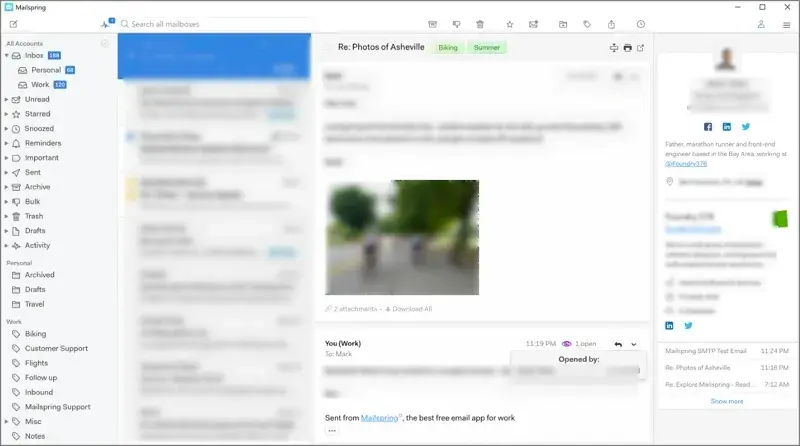
It is a lightweight email client optimized for speed & modern usability. The email client is suitable for lightweight workflows, faster email management, & simpler interface preferences.
Advantages:
- Offers faster performance.
- Provides a clean user interface.
- Get multiple account support.
Limitations:
- Fewer enterprise-focused features.
7. Opera Mail
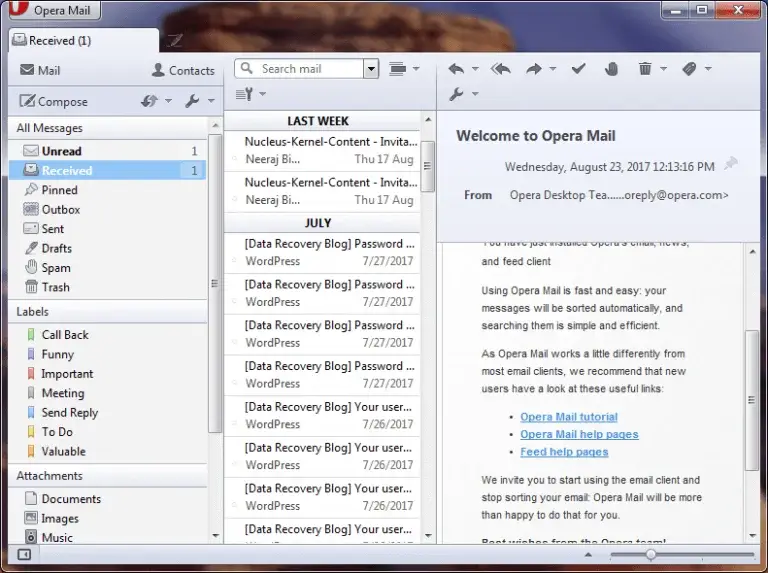
Although many people are familiar with the Opera browser, few know about Opera Mail. It used to be a built-in element of Opera Browser from version 2 to version 12. Opera Mail became a separate product after the release of Opera 15 back in 2013.
Advantages:
- Provides the feature of spam protection to declutter users’ mailboxes.
- Offers a user-friendly interface that anyone can use.
- Allows users to open emails in multiple tabs simultaneously.
- Provides an automatic filtering option.
Limitations:
- No longer receives security updates.
8. SeaMonkey
SeaMonkey is a free and open-source email client that uses the Gecko rendering engine. Mozilla Foundation initially developed it, but seeing the popularity of Firefox and Thunderbird, they stopped developing it in 2005. It has been developed by the SeaMonkey council ever since.
Advantages:
- Allows users to create signatures, templates, and rules.
- Filters spam and junk mail to avoid cluttering the mailbox.
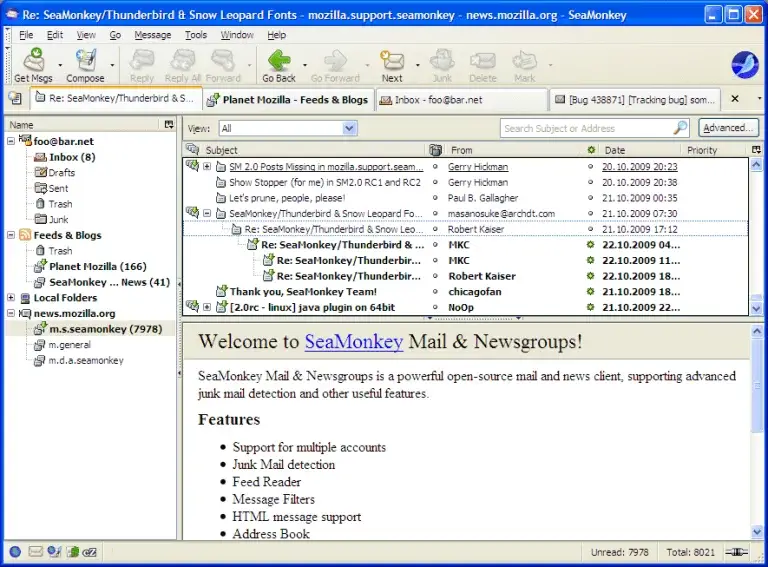
- Users can manage multiple email accounts in one place in this email client.
Limitations:
- Limited extension support.
- An outdated user interface.
9. Proton Mail
The email client primarily focuses on privacy & encrypted communication. It is best for privacy-conscious users, secure communication workflows, & encrypted email management.
Advantages:
- Provides end-to-end encryption.
- Offers strong privacy controls.
- Get a strong & secure infrastructure.
Limitation:
- Some features are limited in free plans.
Challenges Users Face While Switching from Outlook
Check out the challenges that users usually face while shifting from Outlook:
- PST file import concerns.
- Mailbox migration complexity.
- Learning about a new interface.
- Account configuration differences.
- Folder synchronization inconsistencies.
Conclusion on Best Outlook Alternatives
The ideal email client depends entirely on the work environment, communication style, security needs, mailbox size, etc. I hope that we have suggested the best possible Microsoft Outlook alternatives with their advantages & limitations. Take help from them to choose the right one.
FAQs
Q. Are free Outlook alternatives reliable for daily workflows?
A. Several free email clients [Thunderbird, Mailspring] are widely used for both professional & personal communication.
Q. Is switching to an alternative for Outlook mail difficult for existing users?
A. The difficulty depends on mailbox complexity, migration preparation, & familiarity with new interfaces.