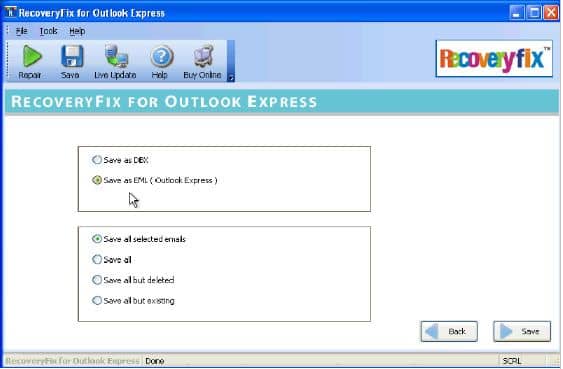
Screenshot RecoveryFix for Outlook Express
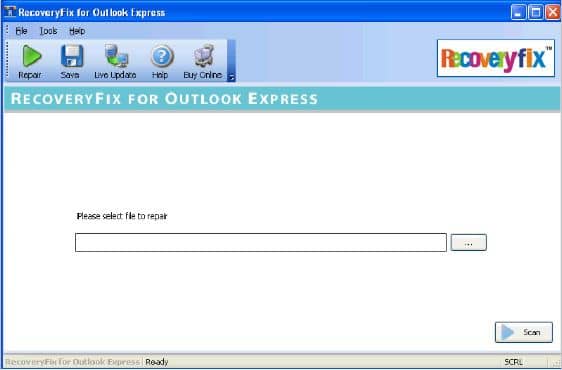
Main Screen of RecoveryFix for Outlook Express Recovery

Click the ... button to select the damaged or corrupt .dbx file. The following screen will be displayed :

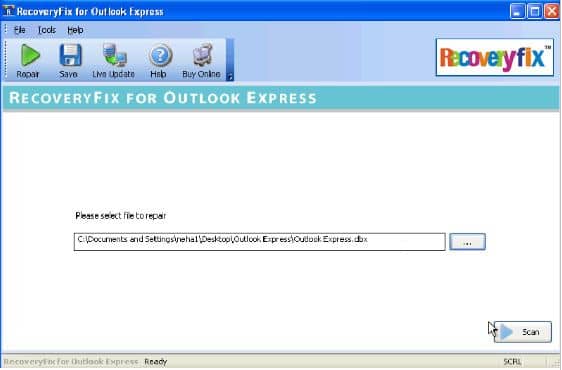
Select the appropriate .dbx file and click Open to list the corrupt file for repairing. The following screen will be displayed :

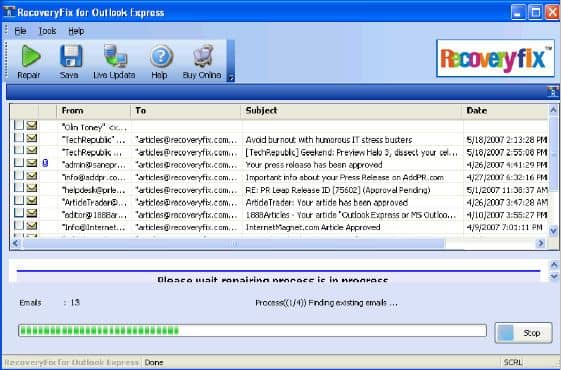
Click the Scan button to start the process of repairing the corrupt .dbx file. The repair and recovery procedure will start :


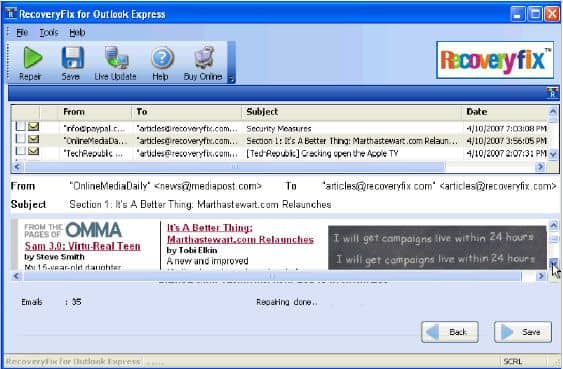
Select the recovered emails which you want to save and click the Save button.